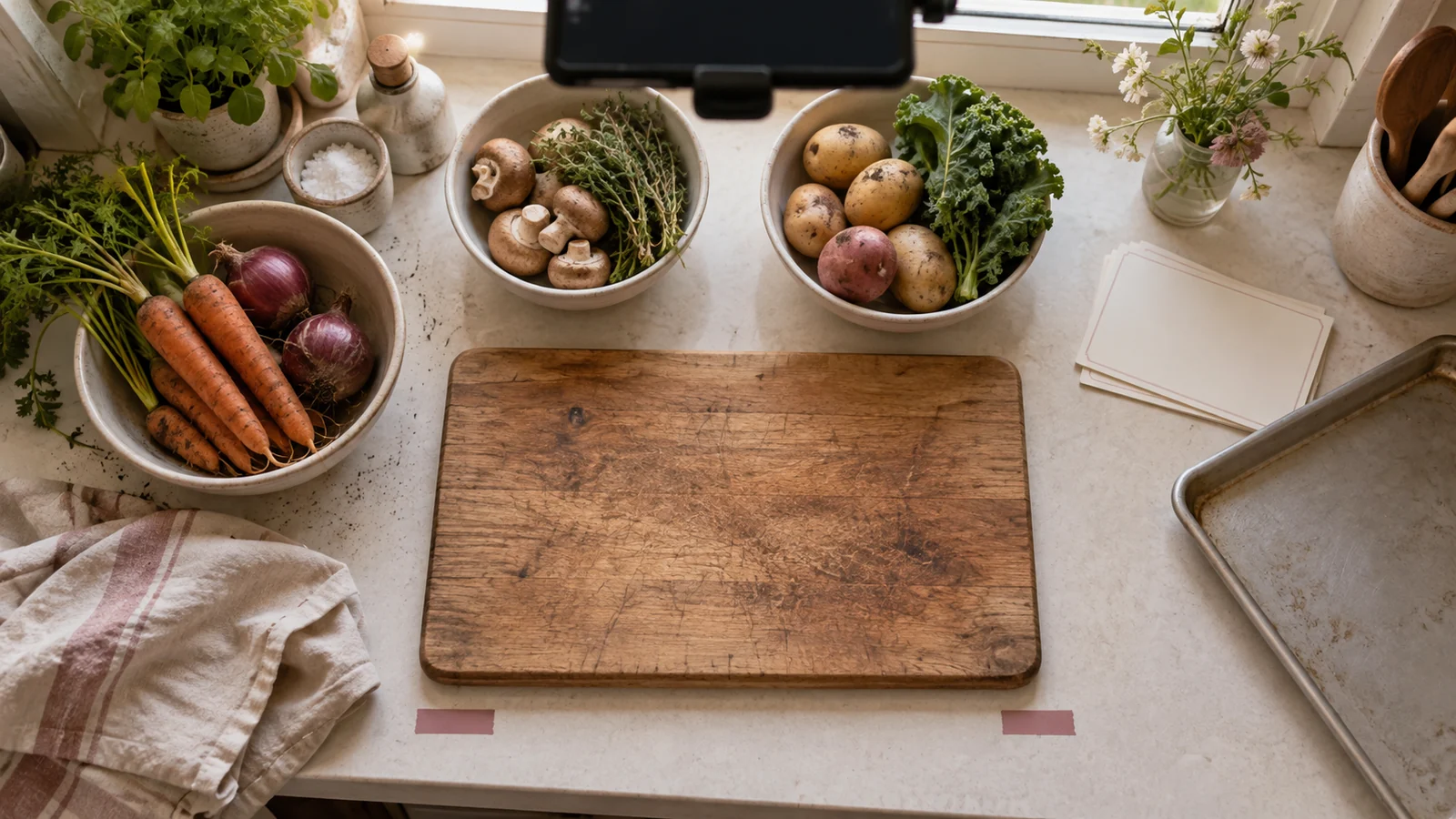
The best music for a food video is not the track that sounds most like “food content.” It is the track that supports the viewer’s job without masking instruction, useful kitchen sound or the character of the actual dish and setting.
Choose music after defining what the video must do. A repeatable recipe, a quiet sensory portrait, a restaurant profile and a sponsored product demonstration need different relationships between rhythm, voice and natural sound—even when they show the same meal.
Name the editorial function first
Classify the video by its primary function:
| Function | Viewer needs | Music’s appropriate role |
|---|---|---|
| Instruction | Sequence, measurements and decision cues | Maintain continuity without rushing or masking speech |
| Sensory portrait | Texture, heat, crispness and atmosphere | Frame natural sound; leave deliberate space |
| Personal story | Voice, memory and context | Support emotional transitions without dictating sentiment |
| Venue profile | Place, service and identity | Establish tone while preserving truthful ambience |
| Product promotion | Clear demonstration and qualified claims | Support pacing without manufacturing a result |
Write one sentence: “Music should help this video ___, but must not ___.” For example: “Music should connect three preparation stages, but must not cover the sound that indicates the crust is crisp.”
If that sentence cannot be completed, browsing tracks will produce mood-based guesses rather than an editorial choice.
Build the food-sound map before auditioning tracks
Listen to the production audio with no music and mark sounds that carry information or sensory value:
- knife contact and chopping rhythm;
- a change from wet sizzle to dry crackle;
- mixer speed or motor strain;
- steam release, boiling or a timer;
- crust break, pour thickness or utensil scrape;
- room tone, service movement or a speaker’s breath.
Not every sound deserves emphasis. Identify the few that help a viewer understand a state change or experience the food. Clean those clips and place them in the rough cut before music.
Create a map:
| Time | Picture/voice | Useful natural sound | Music instruction |
|---|---|---|---|
| 00:00–00:03 | Finished crust breaks | Crack is the hook | No music until after impact |
| 00:08–00:14 | Narrated heat change | Low pan sound | Sparse section under voice |
| 00:20–00:24 | Sauce reaches target texture | Spoon scrape | Duck or pause music |
This changes the search. You are no longer looking for a track to fill thirty seconds; you need music with openings in the right places.
Match motion structure, not every cut
Choose a track whose phrases can support the real stages of the preparation. A stable pulse can connect repeated actions, while a harmonic or textural change can mark the move from preparation to cooking or plating.
Do not cut every knife movement to a beat. Synchronization is strongest when reserved for meaningful events: first contact, a reveal, a completed fold or the final plate. Constant beat matching can make safe, careful work look hurried and can remove the pauses a viewer needs to understand the sequence.
Test three cue points before judging the whole track:
- the opening promise;
- the most information-dense instruction;
- the final result.
A track that creates a strong reveal but fights the central explanation is a poor instructional choice. Change the edit point, use a different section or reject the track.
Use contrast deliberately
Music does not have to imitate the motion. A calm texture can make precise knife work feel controlled; a sparse cue can give a rich dish room to feel substantial. The relationship should be explainable in terms of pace, density and story—not a vague genre stereotype.
Avoid selecting music because a cuisine, nationality or community is assumed to “sound” a certain way. If cultural context is genuinely part of the story, research the music, creator, instruments and rights rather than using a stock signifier. A track can otherwise flatten a specific person and place into an advertising shorthand.
Likewise, do not let music make an ordinary result appear luxurious, healthy, traditional or authentic without evidence. The combined message of image, words and soundtrack is what the viewer receives.
Choose density around the voice
When narration matters, audition the track under the real voice—not in isolation. Competing vocals, bright lead instruments and dense midrange arrangements can mask consonants even when a loudness meter shows headroom.
W3C accessibility guidance recommends low background audio where foreground speech is essential and cites a 20-decibel relationship for its AAA success criterion, apart from brief exceptions. Treat that as an accessibility reference, not a single mixing preset. Speech intelligibility also depends on arrangement, frequency content, accent, room sound and the listener’s device.
Use automation rather than one global music level. Lower the cue before a critical measurement or qualification, allow useful kitchen sound to lead, and bring music forward only where it has a job. Review through a phone speaker at an ordinary listening level.
The video must remain understandable with music muted. If removing the track destroys step order or hides a safety instruction, the editorial structure is relying on the wrong layer.
Decide whether lyrics belong
Lyrics add a second language stream. They can work in a montage with no important speech, but they often compete with narration, on-screen measurements and captions.
Before using a vocal track, check:
- whether the words conflict with or trivialize the food story;
- whether explicit or sensitive content suits the audience and sponsor;
- whether a translated lyric changes the apparent meaning;
- whether vocals overlap important instructions;
- whether platform edits or shortened versions begin on an unintended phrase.
An instrumental version may solve competition, but confirm that it is the exact licensed asset. A different mix, remix, stem or cover can have different recording and composition permissions.
Clear the exact use before locking the edit
The U.S. Copyright Office explains that a musical composition and a sound recording are distinct works. A usable production record therefore identifies the exact recording and the permission that covers the composition and recording for the intended audiovisual use.
Document:
- track title, creator, asset ID and version;
- licensee and transaction;
- video, client and sponsor;
- platforms, territories and term;
- organic, monetized and paid-ad uses;
- edits, cutdowns and client delivery;
- attribution or reporting requirements;
- publication URLs and claim-clearance records.
Do not treat “personal,” “royalty-free” or “included in the app” as complete scope. If a Creative Commons license is involved, inspect each element. Creative Commons explains that NonCommercial restricts commercial uses and that NoDerivatives and ShareAlike impose different conditions. Confirm that synchronization, adaptation and distribution of the finished video fit the exact license and facts.
Clear a shortlist before the fine edit. A track that fails scope after hours of beat-specific cutting creates pressure to rationalize a weak permission.
Compare candidates with the same cut
Select two or three tracks that pass the rights screen. Place each under the same unpolished sequence with identical voice and natural-sound levels. Score only factors that can change the decision:
| Factor | Review question |
|---|---|
| Instruction | Can every spoken step and measurement be understood? |
| Sensory evidence | Do the selected food sounds remain perceptible? |
| Phrase fit | Do musical changes support actual story stages? |
| Cultural fit | Is the choice specific without leaning on stereotype? |
| Edit resilience | Can short and long versions work without awkward lyric or phrase cuts? |
| Rights | Does the saved license cover the complete use profile? |
Add a sentence beside each score. Unsupported numbers can make personal preference look objective. A useful note says, “The chorus enters beneath the only temperature instruction,” not “clarity: 6/10.”
Ask a reviewer to describe how the music changes the perceived pace and claims. If the track makes a careful method seem effortless or a modest result seem guaranteed, reconsider the combination.
Mix in three passes
Meaning pass
Listen for missed words, obscured qualifications and unintended emotional claims. Check the opening and every point where instructions change.
Sensory pass
Temporarily mute the music and identify the natural sounds worth restoring. Then automate space around them rather than simply raising all production audio.
Device pass
Review on headphones, a phone speaker and the real destination preview. Confirm captions include meaningful non-speech audio when needed and that the mix still makes sense at a modest volume.
Archive a music-free master where practical. It preserves future options if a license, client request, platform claim or localization changes.
Release gate
Approve the track only when all of these are true:
- the video’s primary function and music role are written down;
- useful kitchen sounds were selected before music;
- musical phrases support story stages without forcing unsafe or unclear pacing;
- speech, measurements and qualifications remain intelligible;
- lyrics and cultural signals were reviewed in context;
- the exact composition, recording and intended use are covered by saved permission;
- the video remains understandable without the music;
- the final mix was tested on representative devices and at the destination.
Music should create coherence around the food. It should not replace the evidence that makes the food worth watching.
Related resources
Sources and scope
- W3C WAI — Audio Content and Video Content — primary accessibility guidance; accessed 2026-09-14.
- U.S. Copyright Office — Musical Compositions and Sound Recordings — official authority; accessed 2026-09-14.
- Creative Commons — About CC Licenses — official license-steward guidance; accessed 2026-09-14.
The food-sound map, cue comparison and three-pass mix are Angry Media editorial synthesis. Rights and platform support depend on the exact track, license and use; this article is educational and not legal advice. Source review completed 2026-09-14; scheduled publication 2026-10-22.
After the food edit remains intelligible, review the disclosed STIS music for food and cooking videos