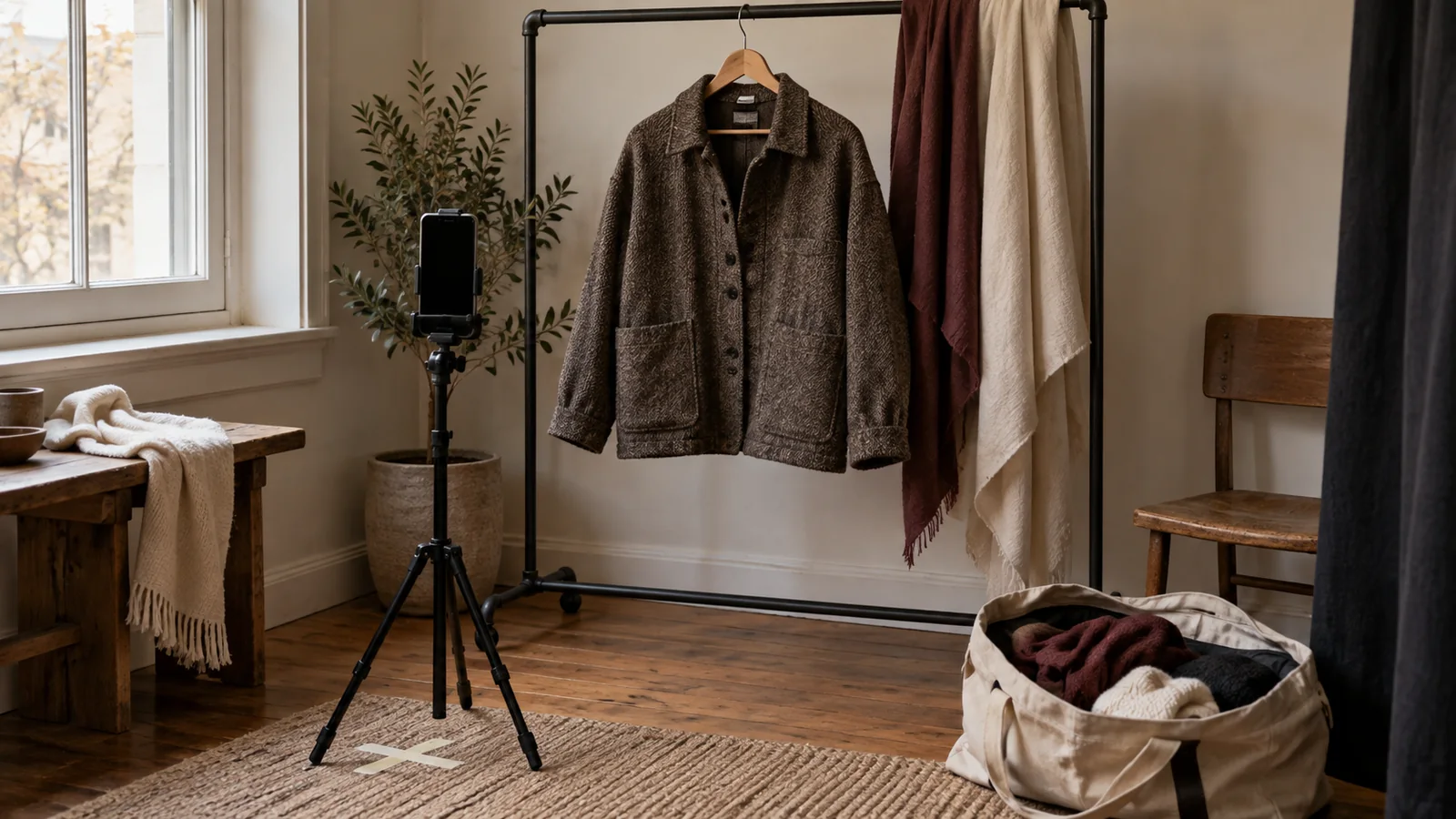
An outfit transition succeeds when the viewer can tell what changed, where the cut happened, and what the clothing actually looks like. A fast spin, jump, hand cover, or whip-pan can make a reveal feel energetic, but speed is not the same as clarity. Plan the transition as a small piece of visual instruction: control the frame, motivate the movement, and leave enough stillness to inspect the outfit.
This guide is for creators, stylists, and editors making fashion, GRWM, lookbook, or sponsored clothing videos. It focuses on readable capture and editing, accessibility, safety, consent, and commercial context. It does not promise platform performance or replace current platform specifications, contracts, or qualified production advice.
Start with the viewer’s question
Write one sentence before choosing an effect: “The viewer should see the change from a denim look to a rain-ready layer,” or “The viewer should compare the fit and details of two jackets.” Name the garment, the intended reveal, the destination platform, and the information that must survive the transition. If fit, color, fabric, fastening, or pockets matter, reserve a dedicated detail shot; do not expect a blur or spin to prove them.
Make a simple beat sheet:
- Establish the starting outfit in a stable full or three-quarter frame.
- Perform one repeatable movement that motivates the cut.
- Match the movement or frame in the second look.
- Hold the reveal long enough for the viewer to orient.
- Add detail, sizing, styling, or disclosure information in a readable shot.
This sequence is more robust than building the video around a preset whose timing you cannot explain.
Design a repeatable transition
Lock the camera and body marks
Use the same camera, lens, height, distance, crop, focus, frame rate, and exposure for both looks. Mark tripod legs and the subject’s standing position. Lock white balance when possible so a colored wall or bright garment does not cause the camera to shift the perceived color between takes. Keep the light position and intensity stable, and record a quick setup note for pickups.
Choose a movement that is easy to repeat: a hand passes the lens, the subject turns on a mark, a jacket closes into frame, or a step lands in the same place. Rehearse without recording until the start and end positions are consistent. A transition can be edited around a matched silhouette, but the matching frame must be visible enough for the viewer to understand it.
Avoid changing several variables at once. If the camera moves, the subject turns, the light changes, and the crop jumps, the audience cannot tell whether a visible difference belongs to the garment or the production. Keep a clean take of each look before adding stylized versions.
Keep the reveal readable
Hold the starting and ending looks for orientation. A brief pause after the cut lets viewers identify the neckline, hem, shoes, and overall proportion. Use a wide or three-quarter frame for the full silhouette, then cut to a stable detail shot for texture, closure, logo, or fit. A close crop is not a substitute for showing how the garment sits on the body.
Match the direction of travel and the screen position across the cut. If the subject exits left in the first look, begin the second look with a compatible motion unless the reversal is intentional and clearly staged. Use a clean cut, short dissolve, or motivated cover; avoid a flash or blur that hides the garment at the exact moment the claim is made.
Do not present a staged reset as one continuous change. If the subject leaves frame to change, show or say “reset for the second look.” If a stylist helps, credit or disclose that intervention when it affects the fit or result. A transparent process is more useful than an apparently magical transformation.
Protect motion and flashing accessibility
Rapid cuts, strobes, and high-contrast flashes can create barriers and, for some people, serious health risks. WCAG 2.2 states that web pages should not contain content flashing more than three times in one second, and it includes requirements around flash thresholds and animation from interactions. These are web accessibility criteria, not a guarantee that every social post is safe, so review the actual export rather than relying on an effect preset.
Avoid strobe transitions, repeated white frames, and rapid alternating color fields. If motion is decorative rather than necessary, offer a calmer version or reduce it. Do not autoplay a looping effect indefinitely on a landing page; provide a way to pause, stop, or hide moving content where the host supports it. Flag a flash-heavy concept for accessibility review before filming, when changes are still inexpensive.
Keep motion legible at the smallest intended screen. A viewer may be watching in a noisy room, with reduced motion enabled, or on a slow connection. A readable hold, clear label, and descriptive caption are part of the design, not an afterthought.
Keep text and styling information in safe, visible places
Place look names, garment details, sizes, prices, affiliate disclosures, and sponsored labels where the subject, platform controls, or captions will not cover them. Check the platform’s current safe-area and advertising requirements at export; interfaces and specifications change. Use high contrast, sufficient size, and a background treatment that remains readable over both outfits.
Do not put the only product name or paid disclosure inside a fast-moving sticker. For a sponsored post, repeat the disclosure in the caption or platform field as required, and keep an in-video disclosure visible long enough to read. “Ad,” “Sponsored,” or “Brand sent this item” is clearer than “collab” or an unexplained tag. The FTC advises that disclosures be hard to miss and close to the endorsement; the creator remains responsible even when a platform supplies a disclosure tool.
Film detail without overclaiming
A transition shows a change in presentation, not automatically a change in fit, quality, or performance. Use precise observations: “the wool-blend coat reaches mid-calf in this shot” or “the fastening is shown closed.” Avoid universal claims such as “fits everyone” or “weatherproof” unless the source and testing support them. If the frame is styled, say whether the garment was pinned, clipped, layered, steamed, or altered for the shoot.
Before-and-after styling can imply that a garment creates a body change. Keep the language about clothing and styling rather than making claims about a person’s body. Obtain permission before filming someone’s body, face, home, or private wardrobe. Agree on where the footage will run, whether it will be used in paid media, and whether the brand can crop or reuse it. Stop if a participant is uncomfortable or the movement becomes unsafe.
Plan the set for the movement: clear cables, stable footwear, adequate space, and a spotter for stairs or fast turns. Do not ask a subject to run, jump, or change near traffic merely to make the transition more dramatic. A safer stationary hand-cover or match cut can communicate the same idea.
Build captions and visual description into the edit
Write the spoken script and visual description while storyboarding. W3C’s media guidance recommends captions for speech and relevant non-speech audio, plus description of visual information needed to understand the video. For an outfit transition, a caption or integrated narration can identify “Look one: black tee and jeans,” “hand covers lens,” and “Look two: green overshirt and boots.” This helps people who cannot see the reveal clearly and viewers watching without sound.
Captions should be synchronized, concise, and readable over the movement. Do not rely on automatic captions without checking garment names, sizes, colors, and disclosure language. Where the visual change carries the main meaning, provide a descriptive transcript or audio description when the player or distribution context supports it. W3C notes that a text alternative should provide the information needed to understand important visual content, not merely announce that an image or video exists.
Review with sound off, captions on, and reduced-motion settings where available. Keep essential instructions and disclosures in text as well as speech. A viewer should not need to hear a sound effect to know that the transition occurred.
Review the final export
Keep the original takes, camera note, garment list, consent, brand brief, license or usage terms, caption file, disclosure copy, and final export together. Review once for meaning and once for mechanics. Ask:
- Can a new viewer identify the starting and ending looks?
- Is the movement repeatable, and is the reveal held long enough to inspect?
- Are fit, color, styling changes, and any reset represented accurately?
- Does the transition avoid unnecessary flashing and remain readable on a small screen?
- Are captions, visual descriptions, consent, credits, and commercial disclosures complete?
Test the exact version that will publish, including platform crops, paid cutdowns, and language variants. If an interface covers a label or a crop removes the full silhouette, revise the composition instead of assuming the viewer will infer it. If the transition does not survive a pause, provide a still or detail frame.
Release checklist
Publish only when:
- the viewer question and garment change are explicit;
- camera, body marks, exposure, color, and movement are matched or differences are disclosed;
- the reveal and detail shots are stable enough to inspect;
- motion and flashing have been reviewed for accessibility;
- captions and visual descriptions preserve the important information;
- consent, safety, rights, styling interventions, and commercial disclosures are recorded; and
- the final export remains readable on the actual destination platform.
A memorable transition is not the fastest transition. It is the one that gives the audience a clean moment to understand the clothes, trust the presentation, and decide whether the look is useful to them.
Sources and scope
- W3C Web Content Accessibility Guidelines (WCAG) 2.2 — official accessibility criteria for flashing content and animation from interactions; accessed 2026-09-15.
- W3C WAI — Making Audio and Video Media Accessible — primary guidance on planning accessible media, captions, transcripts, and visual description; accessed 2026-09-15.
- W3C WAI — Captions/Subtitles — primary guidance on synchronized speech and non-speech captions; accessed 2026-09-15.
- W3C WAI — Description of Visual Information — primary guidance on conveying essential visual information through integrated or alternative description; accessed 2026-09-15.
These sources support the accessibility and media-production boundaries. The transition workflow, framing advice, consent prompts, and review checklist are Angry Media editorial synthesis. This article is educational, not legal, medical, or platform-policy advice. Source review completed 2026-09-15; scheduled publication 2026-11-01.
Decision Flow